This article explains the configuration for the Contracts add-on, which allows the integration of a signature provider to generate and send assignment and framework agreements in Staffcloud and monitor their status.
In this article, I will learn:
Which signature levels are possible in the AddOn Contracts
How to set the signature level for the instance
How to upload and manage electronic seals
Table of content
Supported signature levels
The Contracts add-on currently supports four types of signature levels:
- Simple electronic signature without authentication
- Simple electronic signature with SMS authentication
- Advanced electronic signature
- Qualified electronic signature
Set signature level
The signature level for processing contracts can be defined in the “Integrations” > “Name of signature provider” > “Account settings” > “Signature level” section.
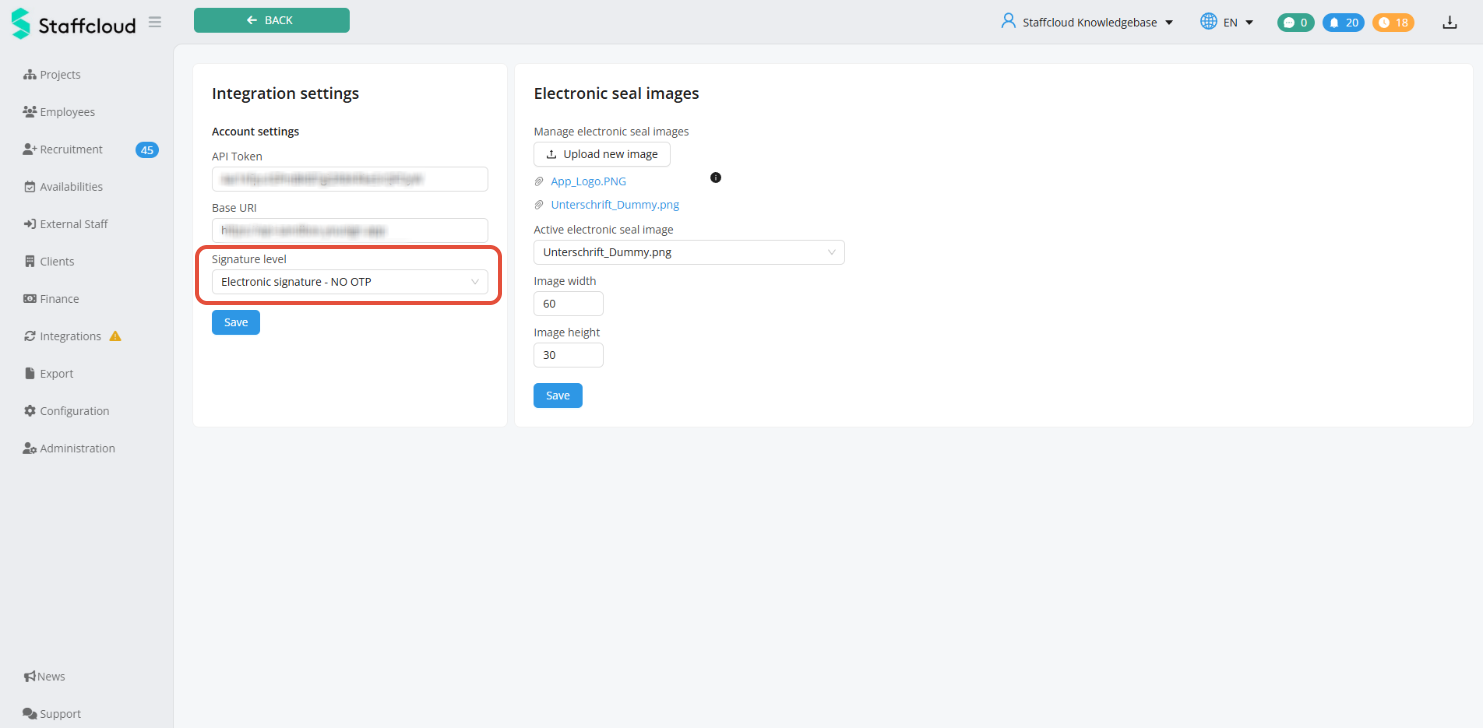
The desired signature level must match the type of signature you purchased from your signature provider.
Upload and manage electronic seals
The electronic seal corresponds to the analog company stamp and can also be placed in contracts.
The file(s) for the electronic seal can be uploaded under “Integrations” > “Name of signature provider” > “Files for electronic seal.”
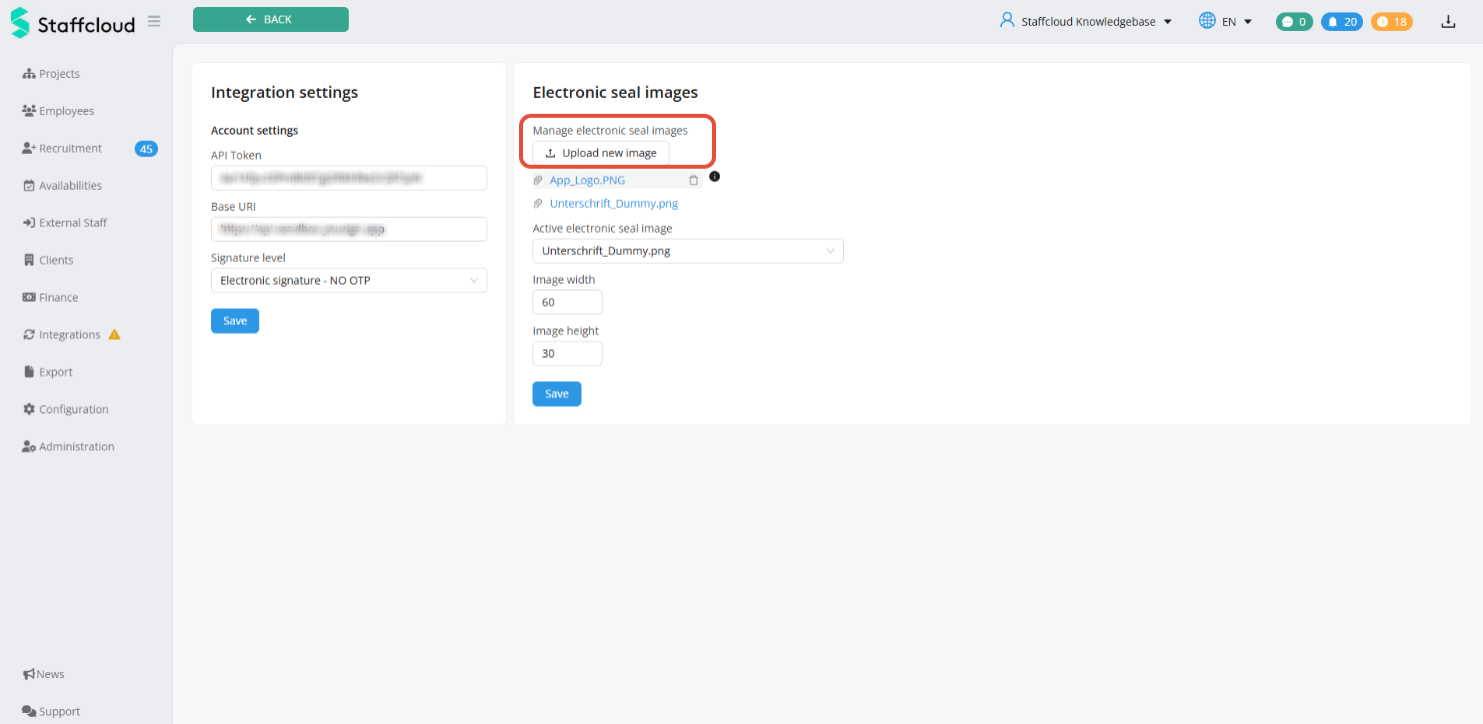
For the electronic seal, a file in PNG, JPG, or GIF format with a maximum size of 500kb is required.
If you have uploaded multiple files, you can select the desired file for the electronic seal using the “Active file for electronic seal” selection field. Files that are no longer to be available as seals can also be removed by clicking on the trash can icon to the right of the file name.
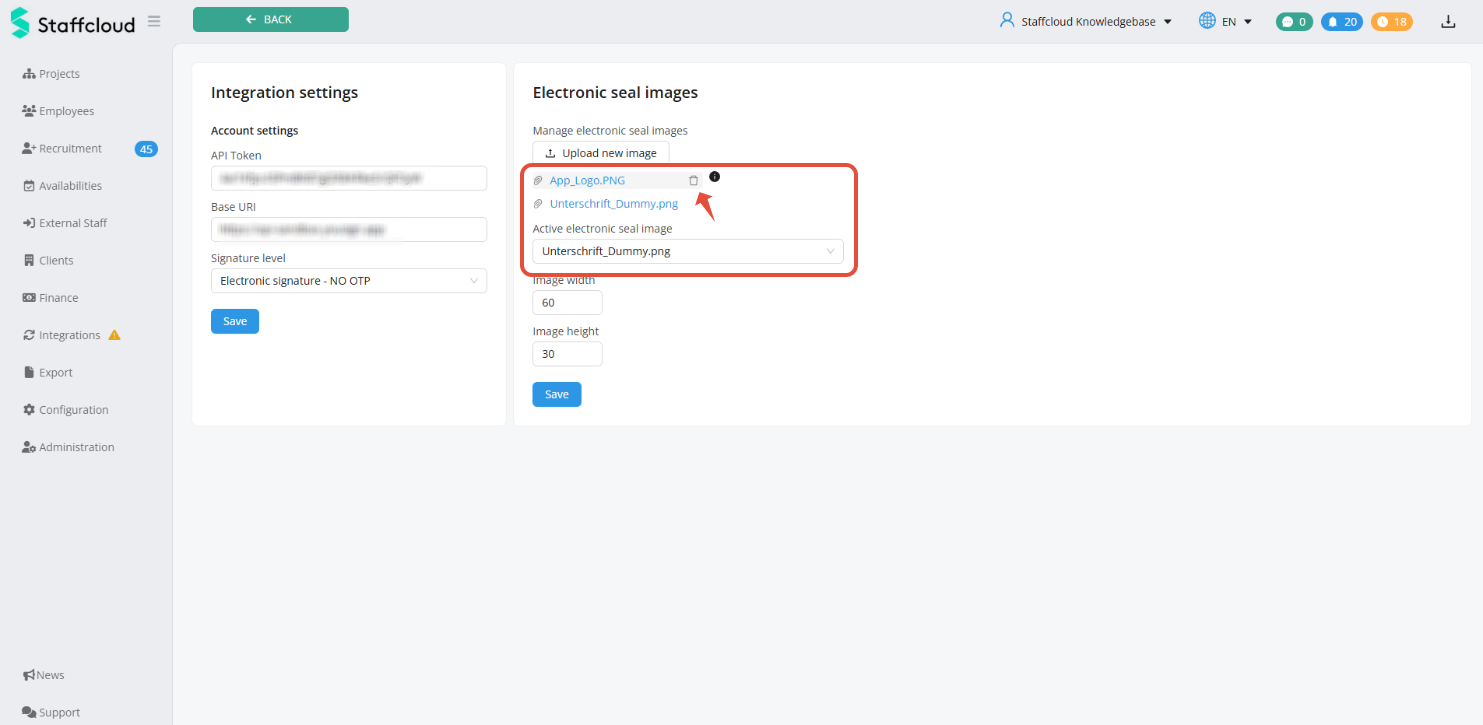
Please note that your signature provider must offer sufficient capacity to process electronic seals.
The display size of the electronic seal in the contracts can be controlled using the “Image width” and “Image height” fields. Adjust the pixel values to the aspect ratio of your files.
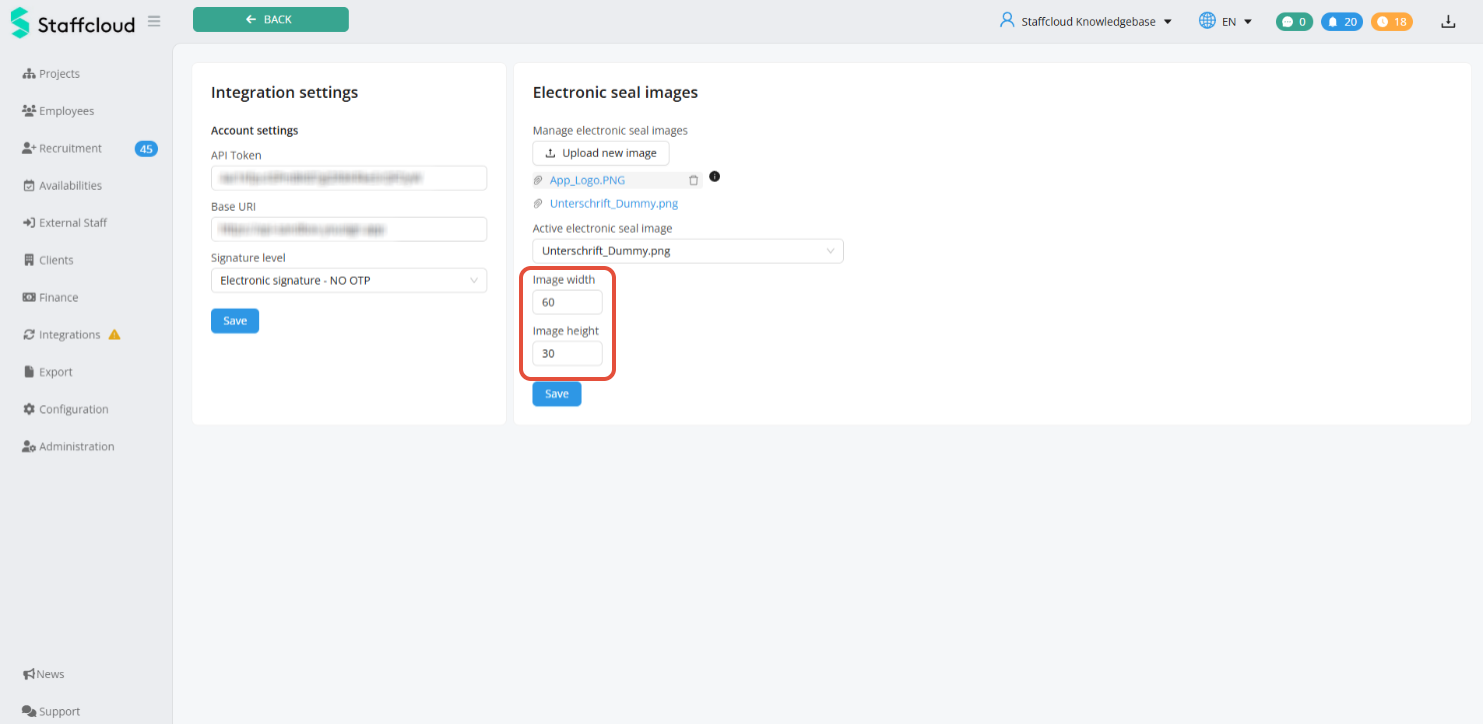
Related articles:
Was this article helpful?
That’s Great!
Thank you for your feedback
Sorry! We couldn't be helpful
Thank you for your feedback
Feedback sent
We appreciate your effort and will try to fix the article